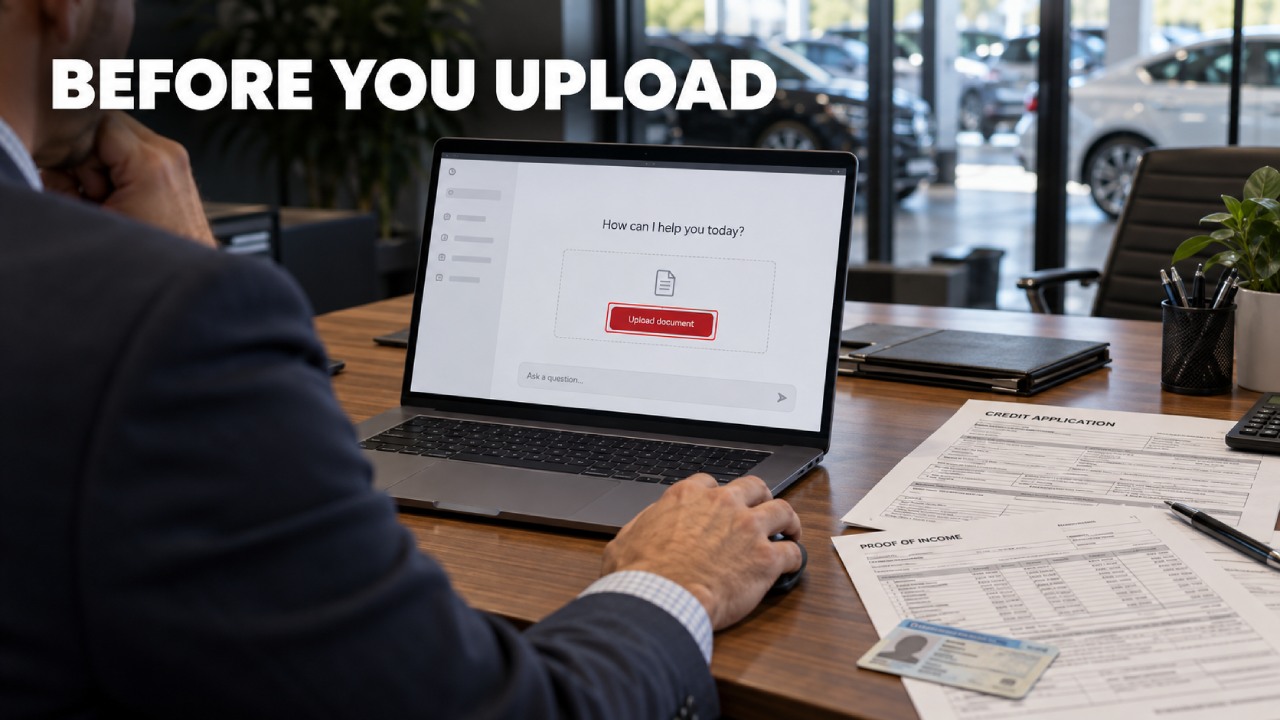
If you work in F&I or the dealership office in the United States, keep completed credit applications and deal jackets out of personal or unapproved AI chats. Use a clean template for general writing help. Consider an actual customer file only when the task requires its contents and the dealership has authorized that specific use after assessing the service’s data protections.
You may be trying to answer a question while a buyer waits. That pressure explains the shortcut; it does not resolve what happens to the buyer’s information after you send it.
A financing question does not require a customer file
Consider this invented prompt: “Explain ‘amount financed’ in plain language using an empty form.” It asks about terminology without identifying a buyer. Attaching a completed contract to ask the same question adds information the task does not need.
In its auto-dealer guidance, the Federal Trade Commission (FTC) identifies approved financing applications as customer information protected by the Safeguards Rule. These records contain nonpublic personal information, or NPI, including identifying and financial details supplied for financing. The FTC distinguishes that security obligation from the Privacy Rule’s restrictions on sharing information, which also reach people seeking financing.
Removing the name does not make the packet anonymous
Deleting the name leaves you responsible for everything else in the upload. Review the entire packet for Social Security and account numbers, signatures, identification images, contact details and information about a co-buyer. Changing the name on the cover page does nothing to remove those details from the supporting documents.
In its de-identification guidance, NIST explains how remaining details can identify someone through combinations or links to other information. Applied to an F&I file, that means an employer combined with a precise address and birth date can still point to a particular person.
Do not send the original to an unapproved chat with instructions to anonymize it. The service would receive the very information you meant to withhold.
What must be settled before an upload
The FTC’s business data-security guidance recommends limiting sensitive information to what a legitimate business purpose requires. Apply that principle to the proposed upload: explaining a field label does not require the applicant’s identity or income. Extracting information from a particular document may require actual data, but that is a reason to evaluate a controlled use, not to attach the whole jacket.
Dealership approval should cover the task and document category in the exact service account you will use. Permission to draft advertising does not authorize handling credit applications. Ask the dealership’s security lead and whoever handles privacy compliance to confirm the scope, including whether the proposed disclosure is permitted.
Verify the agreement and the working controls
The FTC’s Safeguards Rule guide says covered businesses must require appropriate safeguards in service-provider contracts and periodically reassess those providers. Put the security review through the Qualified Individual who oversees the dealership’s information security program. An employee at the F&I desk should not have to interpret vendor terms while a deal waits.
Separately, NIST’s generative AI guidance recommends defined contract terms covering usage rights and security, alongside supplier assessments. For customer-document handling, require written commitments and technical evidence addressing these questions:
- Retention: How long are uploaded files and chat content kept? The answer should address operational logs and backup copies, rather than referring only to the conversation you can see.
- Training and other reuse: Does the agreement exclude customer content from model training and unrelated purposes? Confirm that the restriction covers attachments and prompts, including any generated text containing customer details.
- Access: Who inside the provider or its subcontractors can see the information, and why? Verify restricted dealership access and appropriate authentication, along with encryption during transmission and storage.
- Deletion: What does deletion remove, and when? Require a documented process that explains exceptions and retained copies, including what happens when the dealership ends its contract. A screen-clearing button is not enough evidence.
The FTC’s AI privacy guidance says providers must honor their commitments about customer data, including promises concerning training. But a no-training promise does not answer the retention or access questions. Compare the agreement with the actual account configuration and technical documentation; a sales-page assurance is not a completed review.
If any material protection remains unresolved, keep live customer documents out of that service. Approval needs to rest on verified terms and controls, not an employee’s confidence that the tool is probably private.
Choose the route that fits the work
The following comparison is a recommended decision boundary for your store. A subscription payment does not establish authorization, and an approved service does not make every possible upload necessary.
| Route | Appropriate input | Cost or limit |
|---|---|---|
| Unapproved general-purpose chat | Customer-free text or a genuinely blank form, if dealership policy permits. | You must frame the question without customer details. Do not use the chat to process live files. |
| Dealership-approved service | Only the customer information needed for the specifically authorized task. | The dealership must maintain vendor oversight and account controls. Approval has a defined scope. |
| No AI | Work on the actual file within the dealership’s established process. | You do the reading or drafting yourself, but do not add an AI provider as another recipient. |
An approved service could itself be a general-purpose assistant. The relevant distinction is the reviewed agreement and configured account, not whether the product describes itself as an automotive tool.
When a question depends on the actual customer’s documents and no approved service covers that use, completing the task without AI is the appropriate choice. The extra reading belongs in the decision alongside the work required to assess a new provider.
Use blank material for routine writing
For routine correspondence, let AI work on the message structure and add buyer details later inside the dealership’s approved systems. A request for missing paperwork can stay generic:
Write a courteous request for lender-required income documents. Use [BUYER] and [APPROVED SUBMISSION CHANNEL] as placeholders.
An appointment message can follow the same boundary:
Rewrite this generic signing-appointment reminder in plain language. Leave [BUYER] and [APPOINTMENT TIME] unchanged.
For form-based work, start from an original blank template that you are authorized to share. Invent any details needed for staff practice instead of borrowing a past buyer’s circumstances. This keeps the exercise about the wording rather than the customer.
Keep that boundary through the follow-up conversation. After adding the buyer’s details in your approved workflow, do not paste the finished message back into an unapproved chat for one final rewrite.
Settle the permission before attaching the file
Before uploading a live document, you should be able to point to approval covering the actual task and the configured service, with its data protections verified. Otherwise, move the writing task to a blank example or complete it within your existing process. The need to finish a deal does not create permission to send its documents elsewhere.
Frequently asked questions
What should I do if I already uploaded a customer file?
Report the upload immediately to the person responsible for your dealership’s information security. Identify the service and account used, and describe what you sent without circulating another copy of the file. Follow that person’s instructions on containing access and preserving incident details before deleting anything.
The dealership’s incident lead should coordinate the response and assess any notification duties. Clearing your chat is not a complete incident response.